


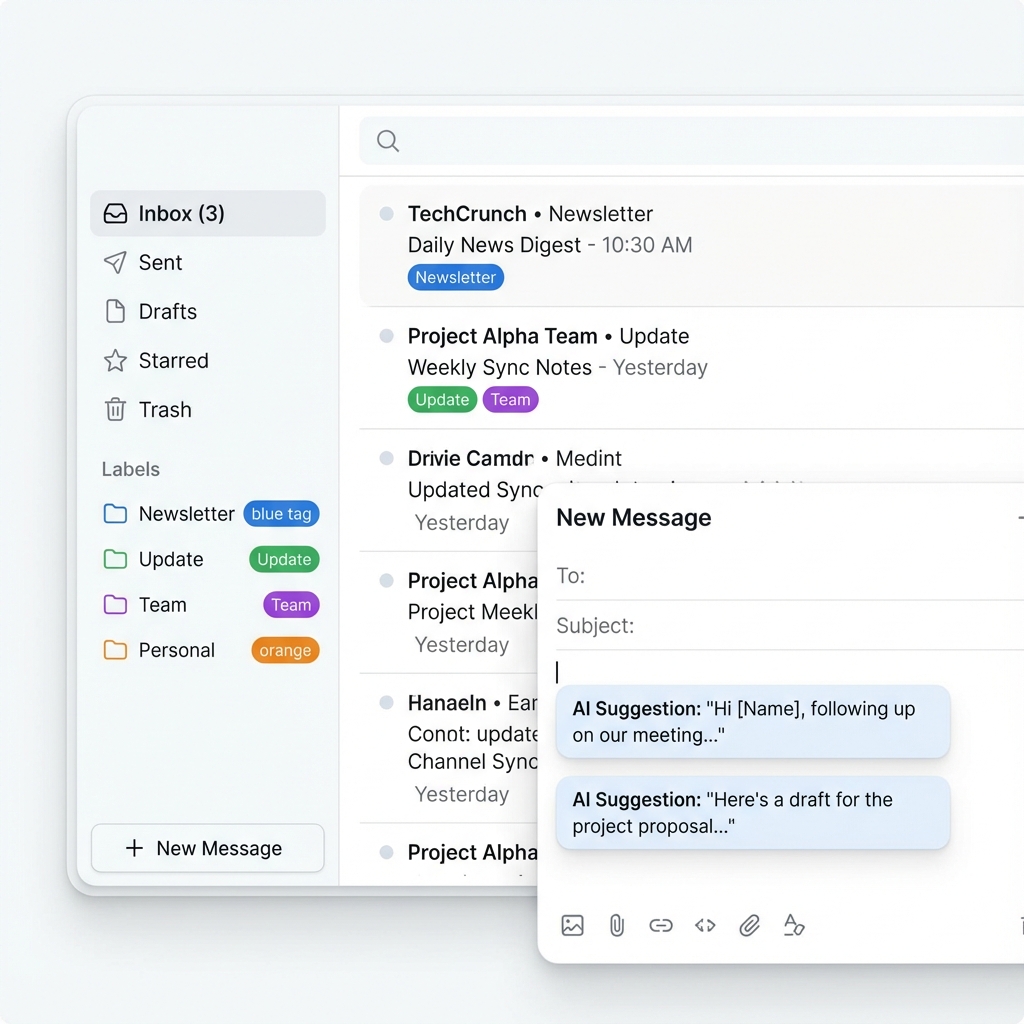
Your inbox should work for you. Not against you.
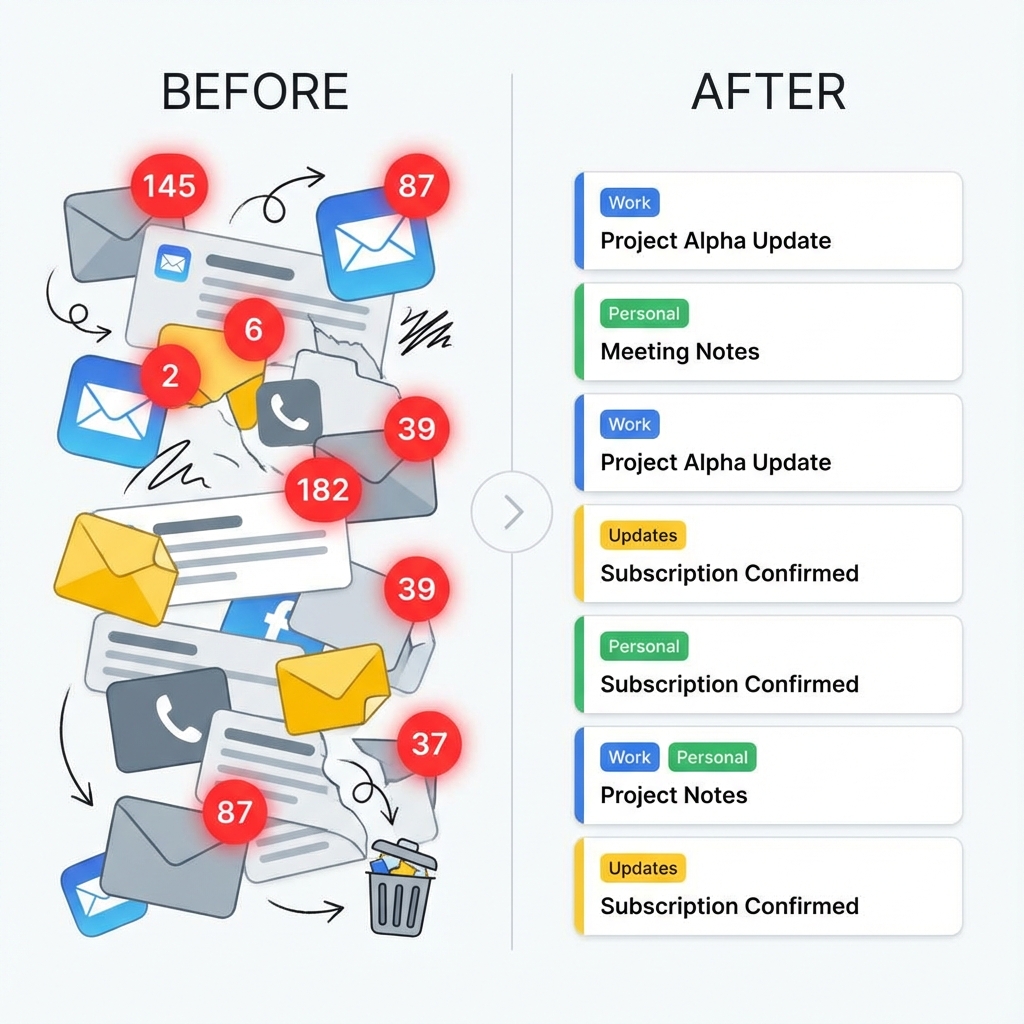
Automatically organized.
Never miss an important email again.
Drowning in emails? Don't waste energy trying to prioritize your emails. Our AI assistant will label everything automatically.
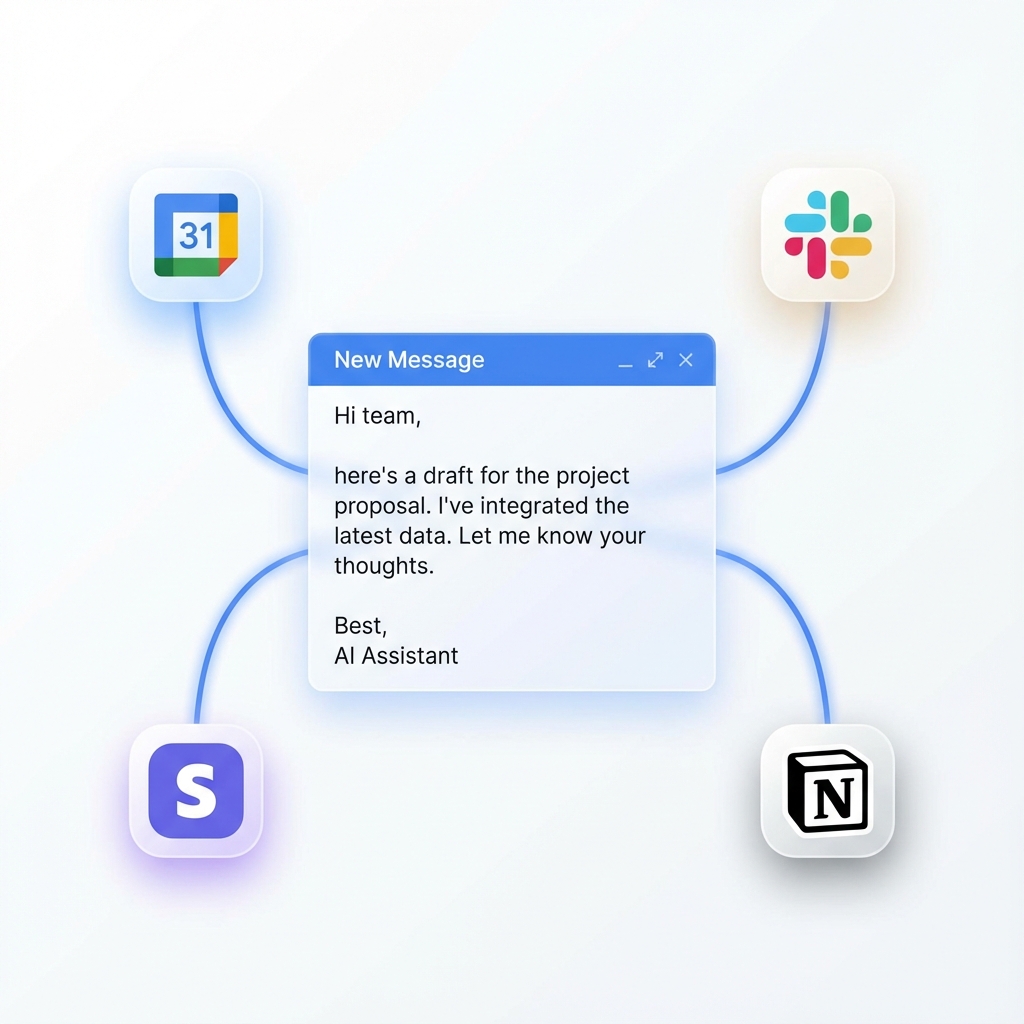
Pre-written drafts waiting in your inbox
When you check your inbox, every email needing a response will have a pre-drafted reply in your tone, ready for you to send.
Simple, transparent pricing
Choose the plan that fits your inbox. No hidden fees.
- 3 Inboxes
- Daily Auto-Clean
- Unlimited Scan
- Auto-Unsubscribe
- Smart AI Categorization
- Priority Clean Queue
Power Pack add-on — $2.99/mo
Unlock advanced automation tools for heavy-duty inbox management.
Compare features
| Features | Free | Pro | Premium |
|---|---|---|---|
| Max Inboxes | 1 | 3 | Unlimited |
| Email Scans | 500/mo | Unlimited | Unlimited |
| Auto-Clean | Daily | Real-time | |
| Auto-Unsubscribe | |||
| AI Classification | Basic | Smart | Advanced |
| Team Access | 3 Users |
Why choose InboxOS over generic cleaners?
We don't just delete emails. We build an intelligent operating system for your communications.
Built for multi-inbox chaos
Connect Gmail, Outlook, and IMAP accounts in one unified dashboard. Stop switching tabs and start managing everything from one command center.
Truly automatic, not just filters
Our AI learns your preferences to auto-clean junk and unsubscribe from newsletters you never read, without you lifting a finger.
Privacy-first & transparent
We process metadata, not content. Your personal data stays yours. No ads, no selling data, just a clean inbox.
Frequently Asked Questions
Everything you need to know about InboxOS.
InboxOS supports Gmail, Google Workspace, Outlook / Office 365, and any IMAP-based email provider.
No. InboxOS is not an email client. It works alongside Gmail, Outlook, Apple Mail, and other clients to automate cleaning and organization.
Our AI scans your inbox for newsletters, promos, spam, and low-priority emails, then moves or deletes them automatically based on your plan and rules.
Yes. InboxOS detects List-Unsubscribe links and can automatically unsubscribe you from noisy senders on Pro and Premium plans.
Absolutely. We use OAuth for Gmail/Outlook, never store full email bodies, and only access metadata needed for cleaning. Inbox passwords for IMAP are encrypted.
Yes. If you’re not satisfied, we offer refunds within 14 days of upgrading—no questions asked.
Yes. All users start on the Free plan and can upgrade anytime. Some plans also include free trial periods depending on promotions.
Yes. Pro users can connect up to 3 inboxes, and Premium users can connect unlimited inboxes.